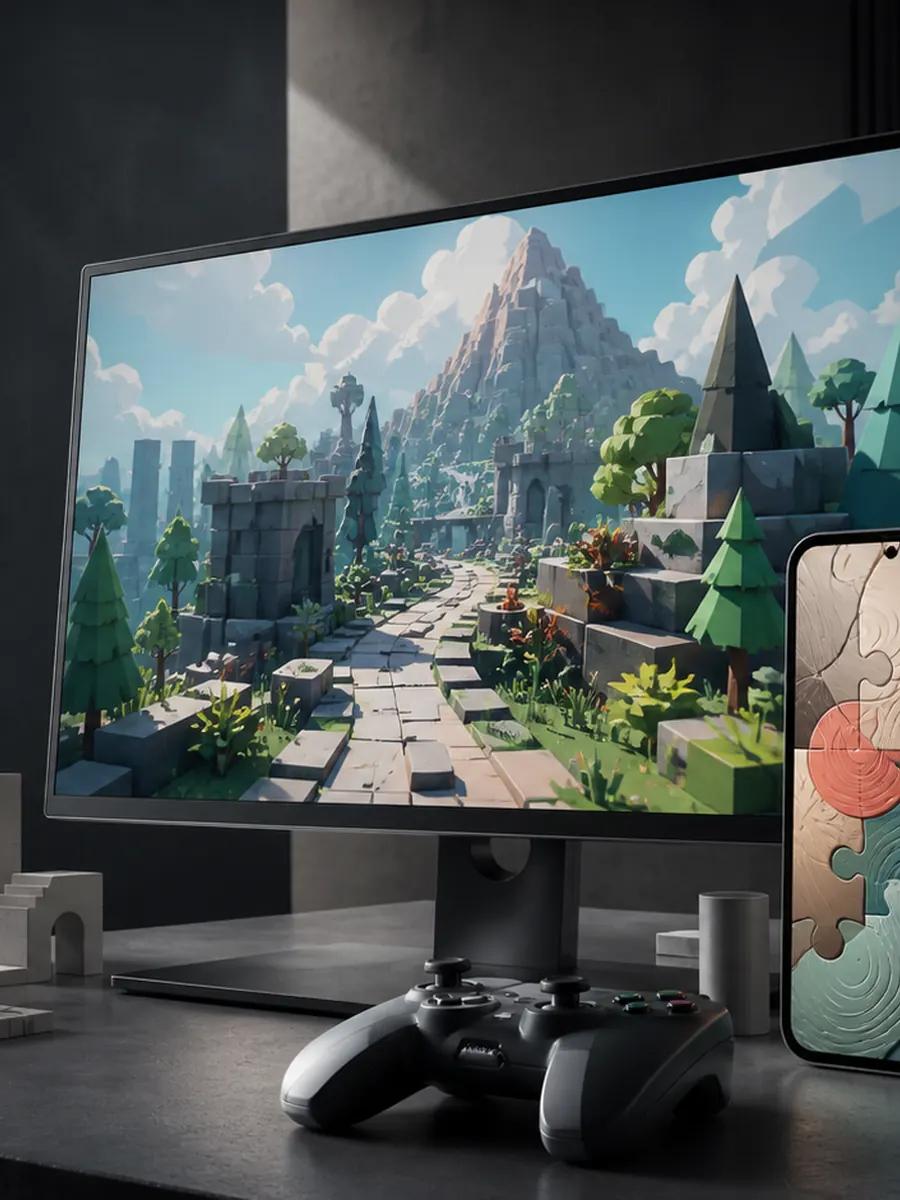
Precision, readability, and fast iteration.
Sprites, tilemaps, puzzle systems, animation, camera feel, interfaces, and scalable content workflows.
 Start a project
Game studio / mobile and PC
Albion develops gameplay systems, tools, worlds, interfaces, and release-ready experiences across mobile and PC.

Released / Android
A calm portrait puzzle experience with four piece styles, five difficulty levels, local saves, optional hints, offline play, unlockable artwork, and puzzles reaching 1,152 pieces.
Studio scope
Albion works across dimensional style and target platform. The goal is not to force one pipeline everywhere, but to choose technology, controls, rendering, and content systems that fit the experience.
Sprites, tilemaps, puzzle systems, animation, camera feel, interfaces, and scalable content workflows.
Low-resource 3D environments, gameplay spaces, interaction systems, materials, cameras, and efficient scene structure.
Portrait or landscape layouts, touch controls, varied screens, power use, memory, performance, and store delivery.
Keyboard, mouse, and controller input, scalable settings, wider displays, save systems, packaging, and build checks.
Browser prototypes
Tiny Survivors and Micro Dungeon remain available as lightweight browser experiments. Both currently use desktop controls.
Desktop placeholder build
A compact arena-survival test with movement, mouse aim, XP pickups, weapon stacking, crates, upgrades, and escalating waves.
Placeholder game; best with keyboard and mouse.
Play Tiny SurvivorsDesktop placeholder build
A turn-based dungeon concept with compact floors, bump combat, field of view, loot, potions, spells, upgrades, and floor descent.
Placeholder game; best with keyboard controls.
Enter Micro DungeonProduction approach
A good production pipeline makes the game easier to improve. Albion builds internal tools and debug visibility where they save real time, then keeps performance and platform needs visible throughout development.
Test the core interaction, movement, camera, rules, feedback, and technical constraints.
Create robust gameplay architecture, editors, data checks, debug views, and content pipelines.
Refine input, interface, art integration, audio, saving, loading, frame time, and memory use.
Validate devices and controls, prepare builds and store material, and keep release versions reproducible.
Games contact
Reach out about 2D or 3D development, mobile or PC production, gameplay systems, custom tools, optimisation, or release support.